
Reports can be downloaded as a PDF or a CSV file by doing the following:
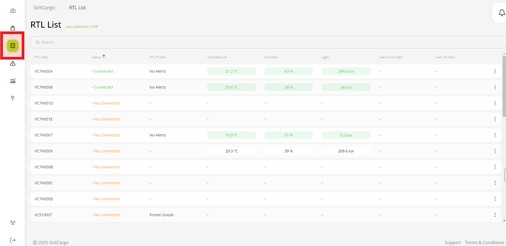
Step 1: Navigate to the RTL List icon on the left of the screen
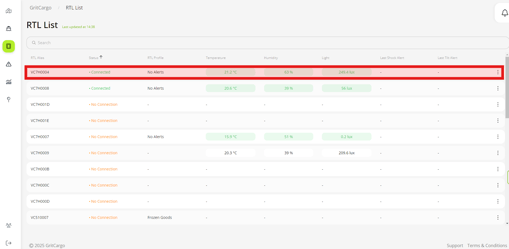
Step 2: Find the RTL you are interested in
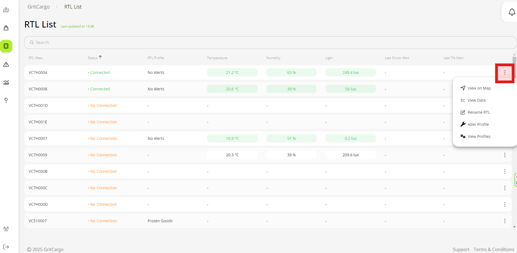
Step 3: Click on the 3 dots to the right of the screen to open the dropdown menu
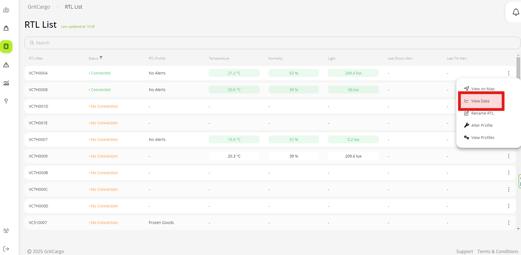
Step 4: Select "View Data" option from the dropdown menu
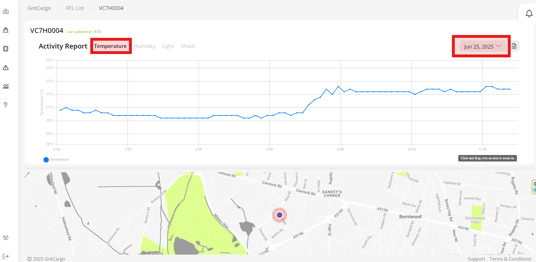
Step 5: This will open the graph and map, where you can select the Activity and date range you require to reflect on the report
Step 6: Click on the download report icon to the left of your screen
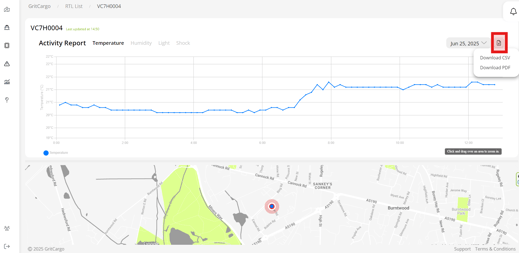
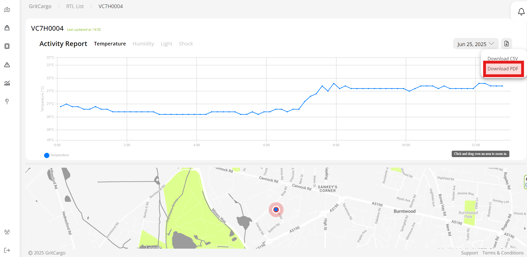
Step 7: Select the report format from the options provided
You can also view a short video here: